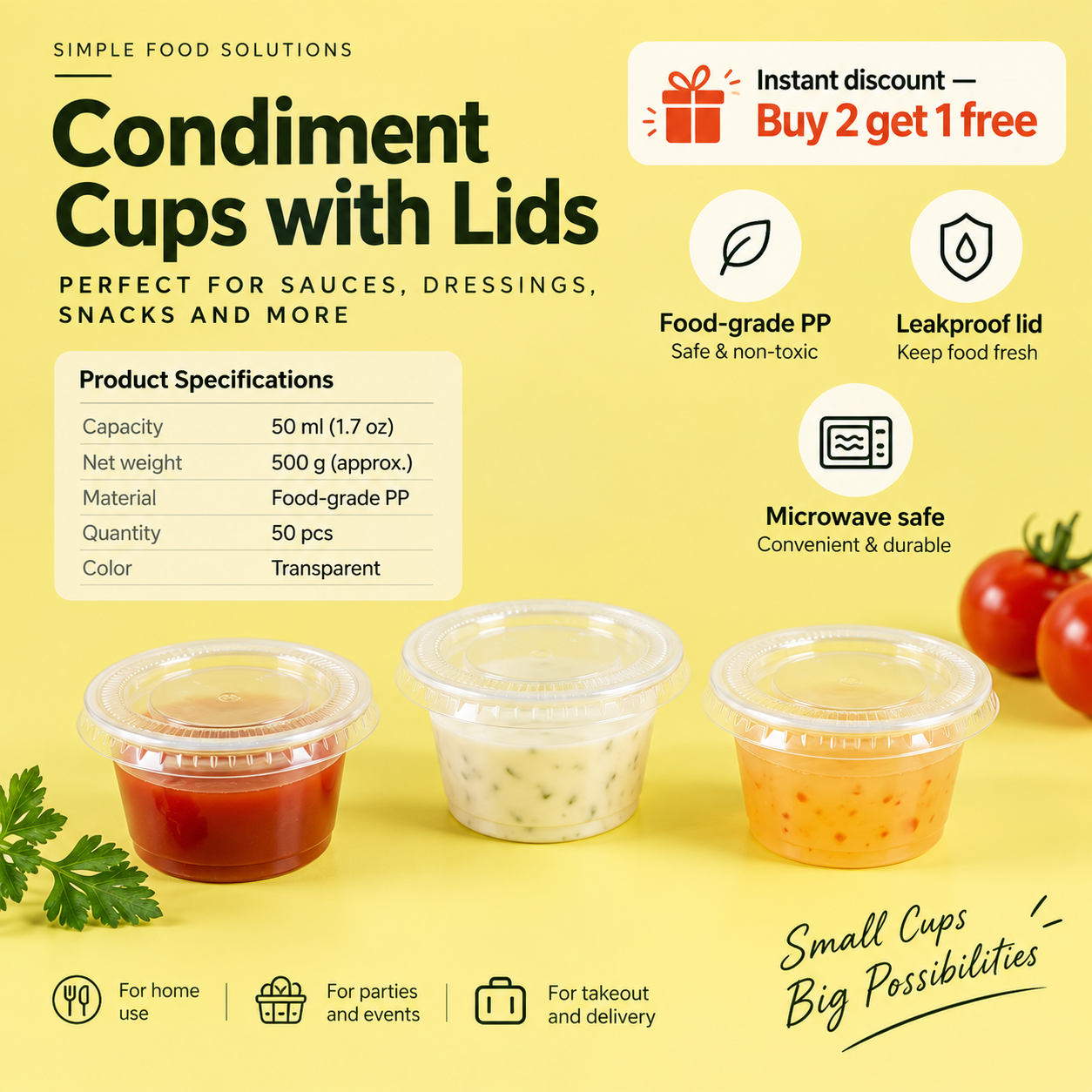
 Result
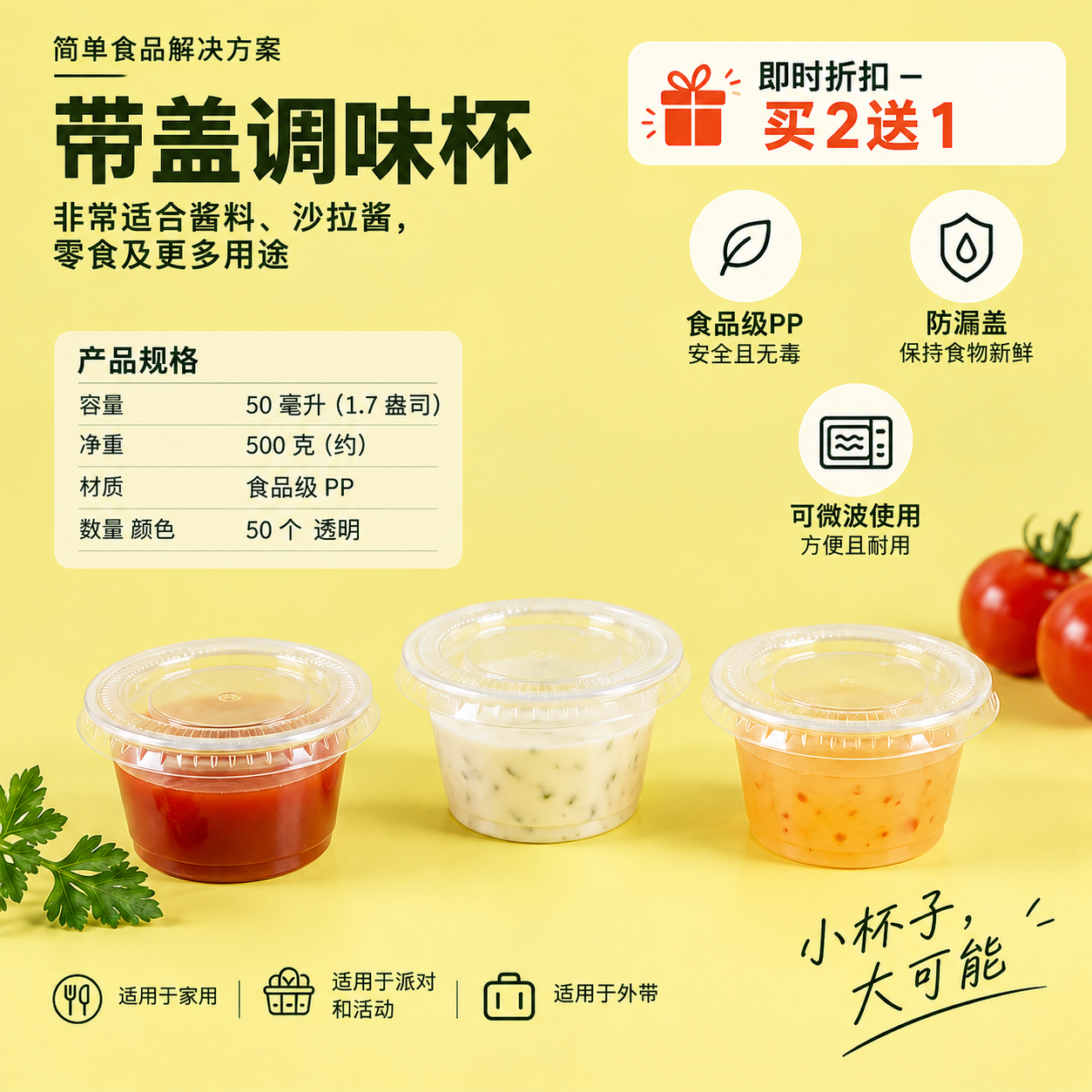 Original
English → Simplified Chinese
E-commerce product image
Selling points are redrawn at the original position, size and color; prices and specs stay unchanged; background blocks are filled in automatically.

Upload or paste a PNG, JPG or WEBP image. Doclingo detects the text, translates it into the language you choose, and draws the translation back at the original position, size and color in a high-fidelity image.
Choose languages and upload one image to get started.
Waiting for image upload
Drag the slider to compare the original and the translation.
ResultOriginalSelling points are redrawn at the original position, size and color; prices and specs stay unchanged; background blocks are filled in automatically.
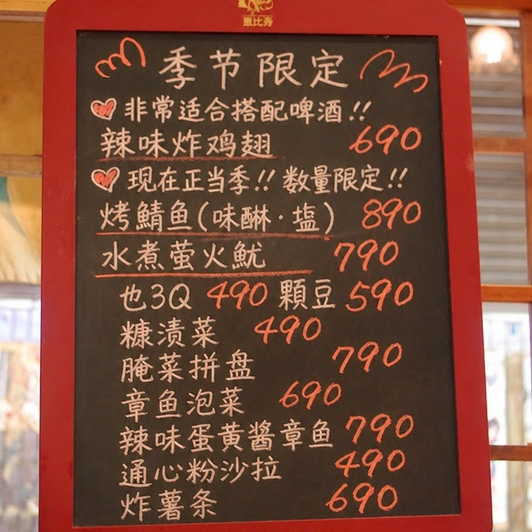 Result
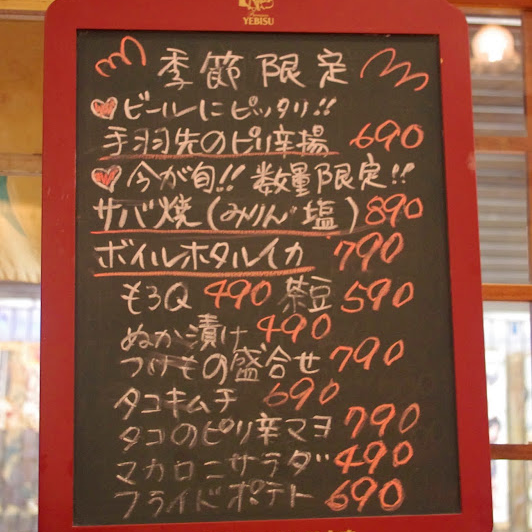 Original
Vertical and horizontal dish names are translated one by one, prices stay as they are, and the wood-grain background is redrawn where text was removed.
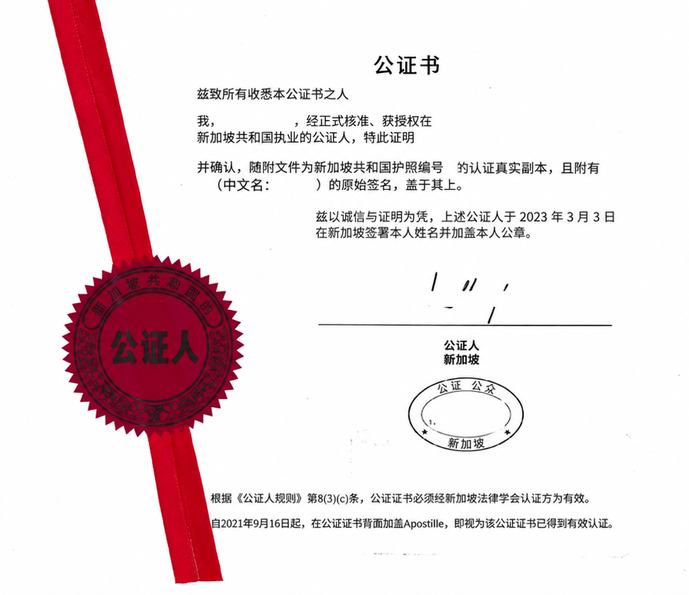 Result
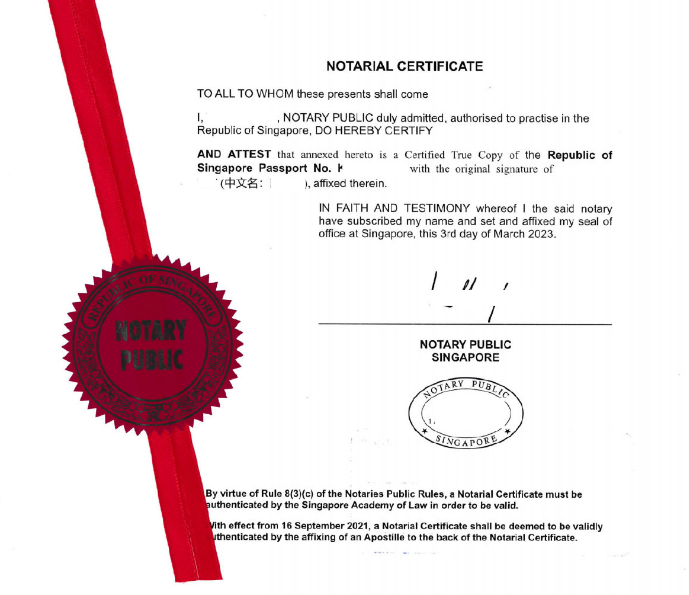 Original
Contract pages are translated clause by clause; clause numbers, table lines and seal positions stay unchanged for review against the original, and notes and stamps are left untouched.
Three steps, no software to install. Once signed in, your translation history is saved and synced across devices.
Click "Choose image", drag an image onto the page, or press Ctrl+V / ⌘V to paste a screenshot. PNG, JPG and WEBP up to 20 MB each.
The source language is detected automatically; just pick the target language. If needed, set the scene and fidelity mode, or open "More settings" to choose a redraw strategy and turn on "Enhance image clarity".
Click "Start translating". The result usually appears on the page within 10–30 seconds; switch to the "Original" tab to compare. Download as image or PDF when you're happy, or fix individual areas with Cover with patch / Restore area.
Recognition, translation and redrawing in one pass, producing an image you can use right away. Every setting maps to a visible effect.
"Strict layout" keeps the original size, layout and coordinates — ideal for contracts, invoices, exams and drawings. "Readability first" may adjust font size and line breaks — for posters, menus and product images. "Original + translation" shows the translation next to the source text.
By default, "Auto|Recommended" picks a redraw strategy based on the amount of text and layout complexity; you can also choose one manually. You're billed for the strategy actually used, and internal retries are never charged twice.
For large images such as posters and long product pages, choose "HD redraw" for sharper text edges and backgrounds. Small images don't need it, and the option is greyed out automatically.
With "Enhance image clarity" on, the system sharpens the text areas before running OCR — great for phone photos and low-resolution screenshots, at no extra cost.
"Cover with patch" samples the original to hide mistranslations or leftover text; "Restore area" pastes back the original pixels at the same spot (e.g. brand logos or text that shouldn't be translated). No need to retranslate the whole image, and no extra characters are used.
Download the result as an image or PDF and use it straight away in your store, documents or slides. Pro members get higher character limits and longer file retention, shared with Document Translation.
Product images, chat screenshots or scans — the flow is the same: upload, pick a language, download. Click any scene to get started.
Translate between 90+ languages with automatic source detection; PNG, JPG and WEBP images up to 20 MB each.
If an image contains two languages at once (e.g. Chinese mixed with English), just leave the source language on "Auto-detect" — each text block is recognised separately. The clearer the text, the better the result; when shooting with a phone, keep it straight and avoid glare and shadows.
Image translation is billed in characters and shares the same balance and free quota as Document Translation. All the rules are right here — nothing is sprung on you at download time.
After translation, view the actual character quota deducted for this task in Usage History.
Upload, translate and preview the full result online; every redraw strategy available
Download as image or PDF; fix parts with Cover with patch / Restore area (no extra characters)
Original and translated files kept for 7 days, then deleted automatically
Pro benefits such as the professional engine and glossaries, shared with Document Translation
Higher daily and monthly character limits
Original and translated files kept for 30 days, then deleted automatically
See Pro plans ›Your uploaded image and the generated translation are used only to complete this job. They're kept for 7 days after completion (30 days for Pro) and then deleted from our servers automatically; the history entry itself stays, and you can delete files manually at any time.
Common questions about billing, formats, layout and privacy Help center ›
Image translation is billed in characters and shares the same balance and free quota as Document Translation. All the rules are right here — nothing is sprung on you at download time. Minimum: 10,000 characters.
Yes. The system erases the source text, fills in the background, then draws the translation back at the original position, size and orientation. Choose one of three fidelity modes: "Strict layout" keeps the original size, layout, coordinates, font hierarchy and table lines — best for contracts, invoices, tables, exams and drawings, and for later patching or restoring; "Readability first" allows moderate changes to font size, line spacing and line breaks so the translation reads clearly — for posters, menus, product images, travel and instruction images, and shared screenshots; "Original + translation" shows source and translation together near the same text area — for posters, menus, product images, teaching and social media images. For busy backgrounds, switch the redraw strategy under "More settings" (e.g. Full redraw, Layout refine); after translating you can still fix individual areas with "Cover with patch" and "Restore area". Complex backgrounds and unusual decorative fonts may not match perfectly.
PNG, JPG and WEBP (JPG includes .jpeg), up to 20 MB each. Currently one image per translation — click "Translate another image" to continue; multi-page content can be merged into a PDF and sent to Document Translation. Uploading PDF, animated GIF or Word files directly isn't supported yet.
90+ languages, in any direction. The source language defaults to "Auto-detect"; after translation the detected language is shown in the source box (e.g. "Japanese (auto)"), and you can also set it manually. If an image contains several languages, each text block is recognised separately.
Yes. Copy the screenshot, then press Ctrl+V (Windows) or ⌘V (Mac) anywhere on this page to upload it — no need to save it as a file first. Images copied from chat apps with a right-click can be pasted the same way. In a mobile browser, the upload box offers "Take photo" and "From album".
Base fee 1,000 + (OCR fee 3,000 × 1) + Image generation fee 6,000 × Generations; Minimum: 10,000 characters. Billed by the redraw strategy actually used and the real number of generations; internal retries are not charged twice. If a job is cancelled, generations already completed are still charged. No characters charged After translation, view the actual character quota deducted for this task in Usage History.
Yes. "Cover with patch" samples the original to hide mistranslations or leftover text; "Restore area" pastes back the original pixels at the same spot (e.g. brand logos or text that shouldn't be translated). Neither uses extra characters. After changing the language or settings you can click "Retranslate", which is charged again.
Images are used only to complete this job. Original and translated files are kept for 7 days after completion (30 days for Pro) and then deleted from our servers automatically; the history entry itself stays, and you can delete files manually from Translation history at any time.
Image translation is for single images. For whole documents, batches of files or photos from your phone, use the entries below — your account and character balance work everywhere.
Translate whole files in 20+ formats including PDF, Word, PPT and Excel with the layout preserved; batch upload and bilingual view supported.
Go to document translation ›Higher character limits, longer file retention, the professional engine and glossaries — your Pro membership works for both image and document translation.
See Pro plans ›Snap a photo or pick an image from your album and translate right on your phone; your account and balance are shared with the web.
Get the app ›Three guides explain redraw strategies, settings and character billing; for anything else, visit the Help center.
Which images suit each of the six strategies — Auto, HD, Fast, Full, Region and Layout refine — and how billing follows the strategy actually used.
How to pick the scene and fidelity mode (Strict layout / Readability first / Original + translation) by image type, and when to turn on "Enhance image clarity" for blurry small text.
Base fee + OCR fee × OCR multiplier + Image generation fee × Generations; Minimum: 10,000 characters. No characters charged
Upload or paste an image and get a layout-preserving translation in seconds; switch between result and original, and download as image or PDF.